KYC (Know Your Customer) is the gatekeeper to withdrawing your winnings. It's annoying but necessary for security. If your verification keeps getting rejected, this guide will help you fix it.
Common Reasons for Rejection
1. Blurry Photos
This is the #1 reason. If the support team can't read your name or ID number, they will reject it.
- Fix: Use good lighting. Hold the camera steady. Tap to focus.
2. Cut-Off Corners
The entire document must be visible. If you crop out the edges, it looks suspicious.
- Fix: Place your ID on a flat, dark surface. Take a photo that shows all four corners.
3. Mismatched Information
The name on your casino account MUST match the name on your ID and your payment method (bKash/Nagad).
- Fix: If you used a nickname to sign up, contact support to update your profile name before submitting documents.

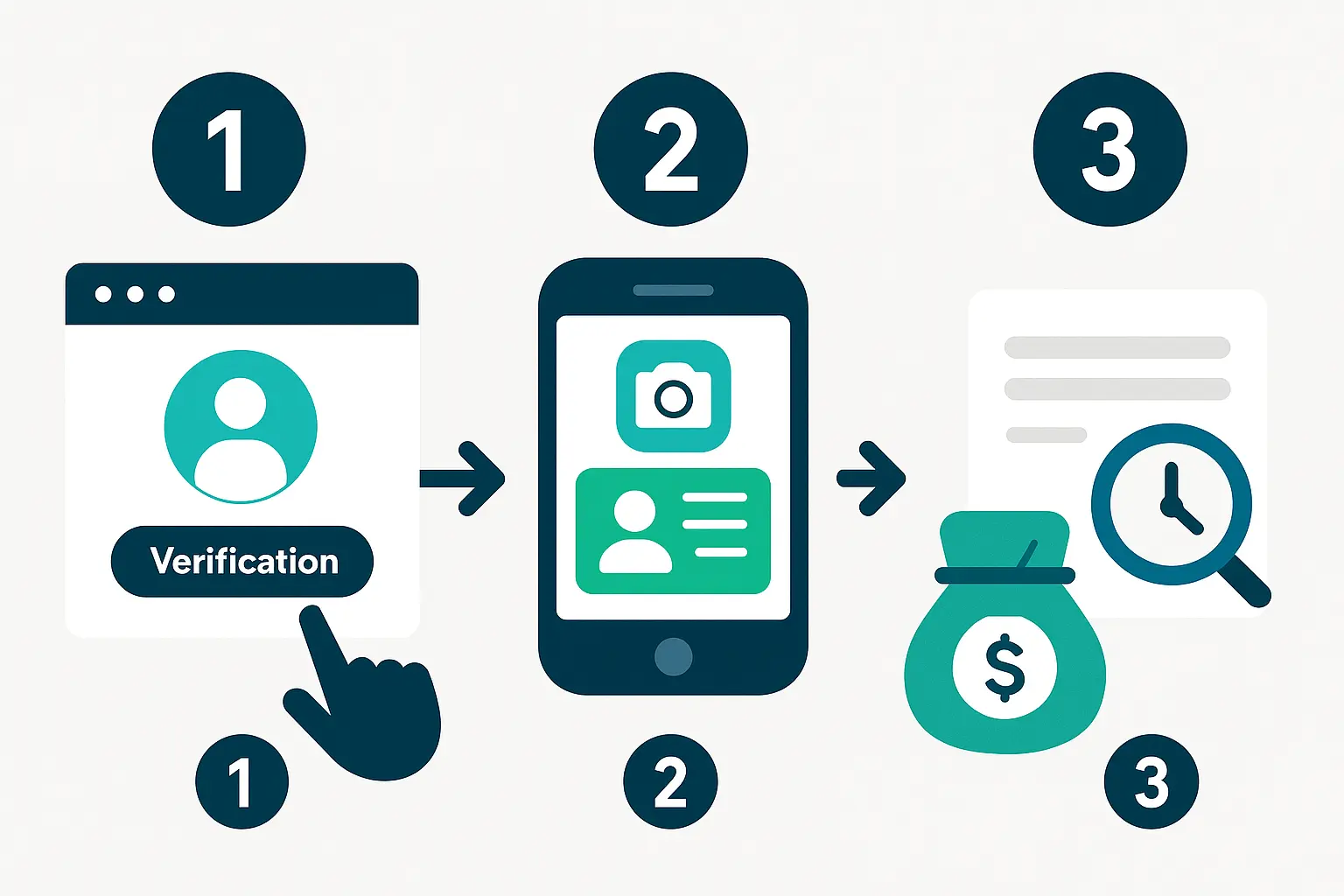
Step-by-Step Verification Guide
- Prepare Documents: You usually need your National ID (NID), Passport, or Driving License.
- Take Photos: Front and back. Ensure no glare or reflections.
- Selfie: Some sites require a selfie holding the ID. Look straight at the camera.
- Upload: Go to the "Verification" or "Account" section and upload the files.
Conclusion
KYC is a one-time hassle for a lifetime of smooth withdrawals. Take the time to do it right the first time, and you'll never have to worry about it again.
For more details on account setup, read our Account Verification Guide.