Rocket (Dutch-Bangla Bank) is a reliable alternative to bKash and Nagad, but users sometimes face the dreaded "Payment Failed" message. Here is how to troubleshoot it.
Common Reasons for Failure
- Insufficient Balance: Remember that Rocket charges a cash-out fee (usually 1.8%). Ensure you have enough to cover both the deposit and the fee.
- Server Timeout: If the network is slow, the transaction might time out.
- Wrong Agent Number: Double-check the number provided by the casino. These numbers change frequently.
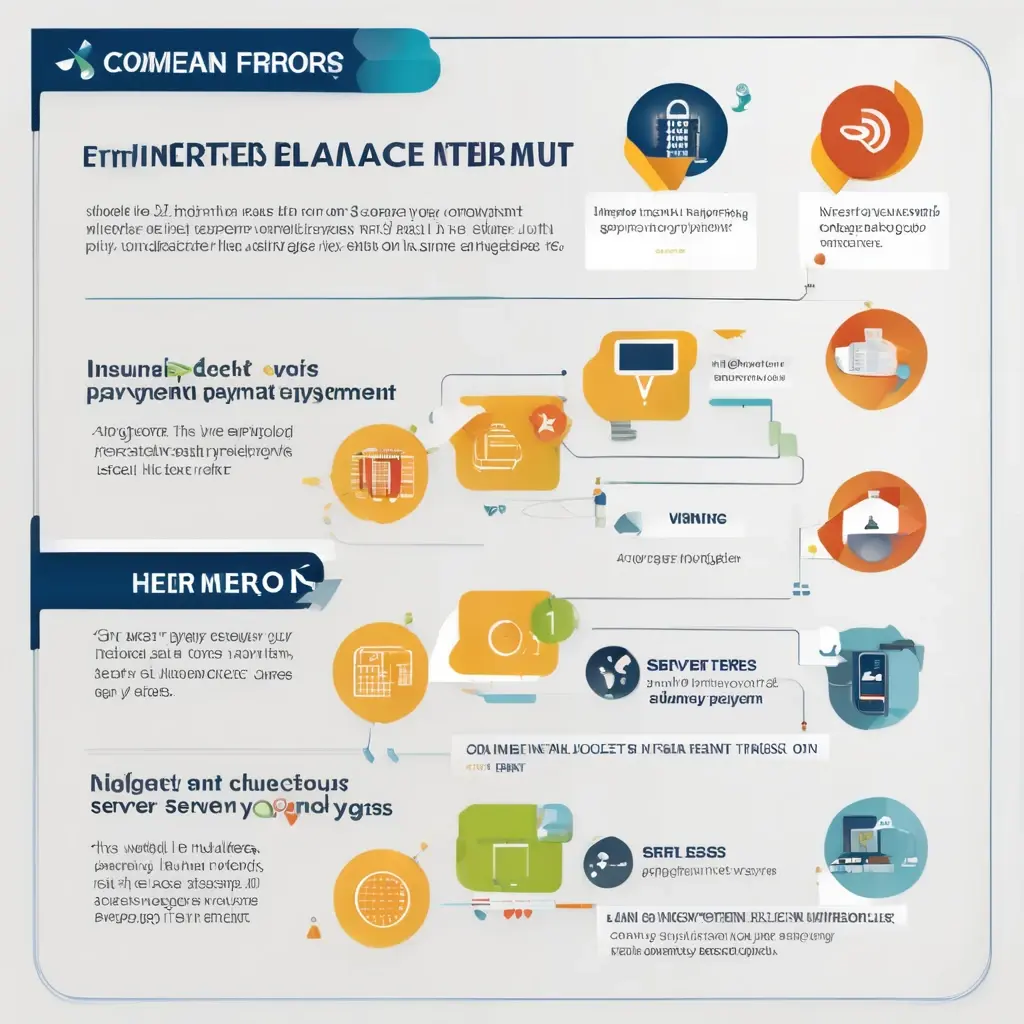
Step-by-Step Troubleshooting
Scenario A: Payment Failed, Money NOT Deducted
- Solution: Wait 5 minutes and try again. Check your internet connection.
Scenario B: Payment Failed, Money DEDUCTED
This is the scary one, but it's fixable.
- Do NOT Deposit Again.
- Find the TrxID: Check the SMS from 16216.
- Contact Support: Go to the casino's live chat and provide the TrxID, Amount, and Time.

Rocket vs. Others
Rocket is great for large transactions because it's backed by a bank (DBBL), making it more stable for high-rollers. However, its app interface is less user-friendly than bKash.
Conclusion
Rocket is a solid backup payment method. By knowing how to handle failed transactions, you can play with peace of mind.
For a full list of payment options, see our Ultimate Payment Guide.