
Your Boro Jeet account holds real money. Treat it like a bank account.
A password is not enough. Passwords get leaked every day.
You need Two-Factor Authentication (2FA).
How 2FA Works
- Something you Know: Your Password.
- Something you Have: Your Phone (Google Authenticator App).
To log in, you need both.
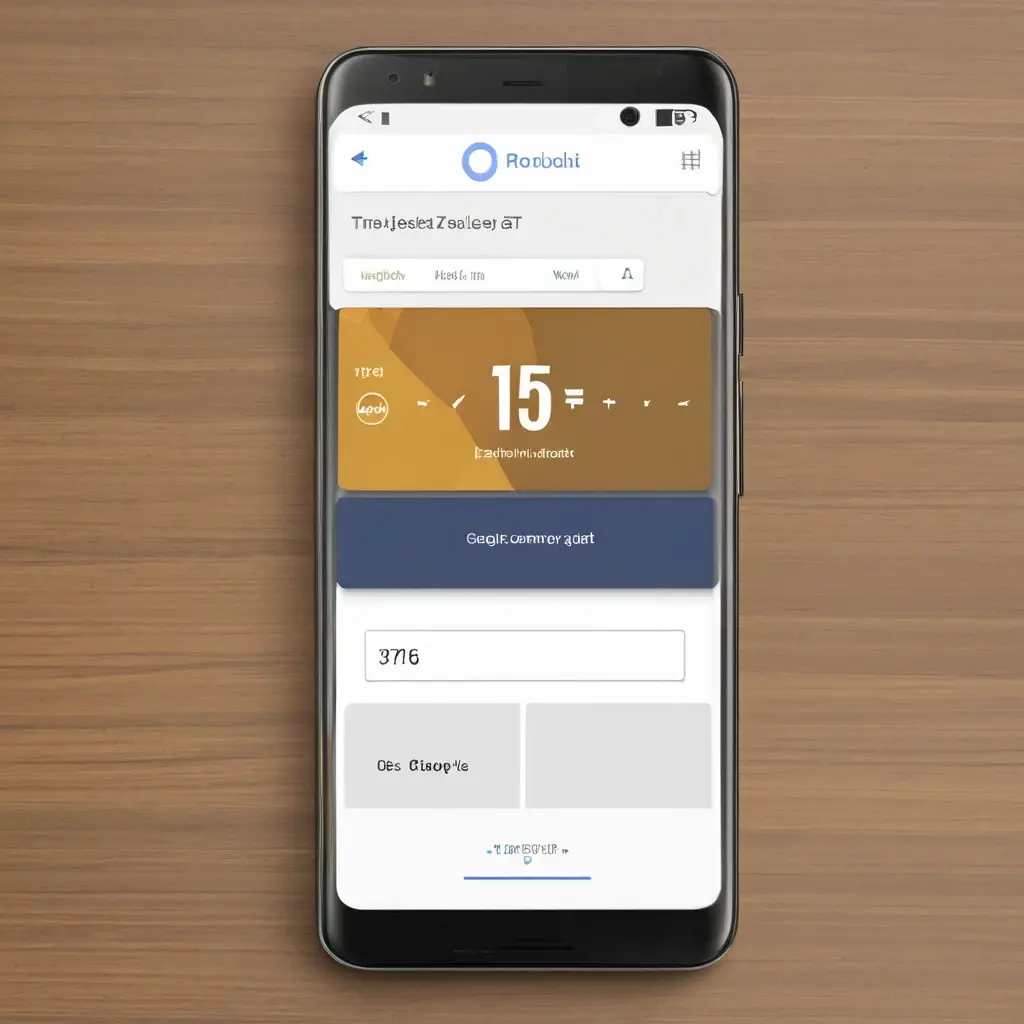
How to Set Up 2FA on Boro Jeet
- Download App: Install Google Authenticator from the Play Store.
- Boro Jeet Settings: Go to Profile > Security > 2FA.
- Scan QR: Use the app to scan the QR code shown on Boro Jeet.
- Enter Code: Type the 6-digit code from the app to confirm.
- Backup Key: IMPORTANT: Write down the "Secret Key" on paper. If you lose your phone, this is the only way to recover your account.
Conclusion
It creates a tiny inconvenience (typing the code) for massive peace of mind.
Don't wait until you get hacked. Do it now.
What if you were hacked? Read Account Hacked Recovery Steps.