
Gambling apps like Boro Jeet work differently than Facebook or WhatsApp.
They don't update automatically in the background because they are not on the Play Store.
You must update them Manually.
Signs You Need an Update
- The app crashes on startup.
- You see a "Version Mismatch" error.
- New games (like Crazy Time) are missing.
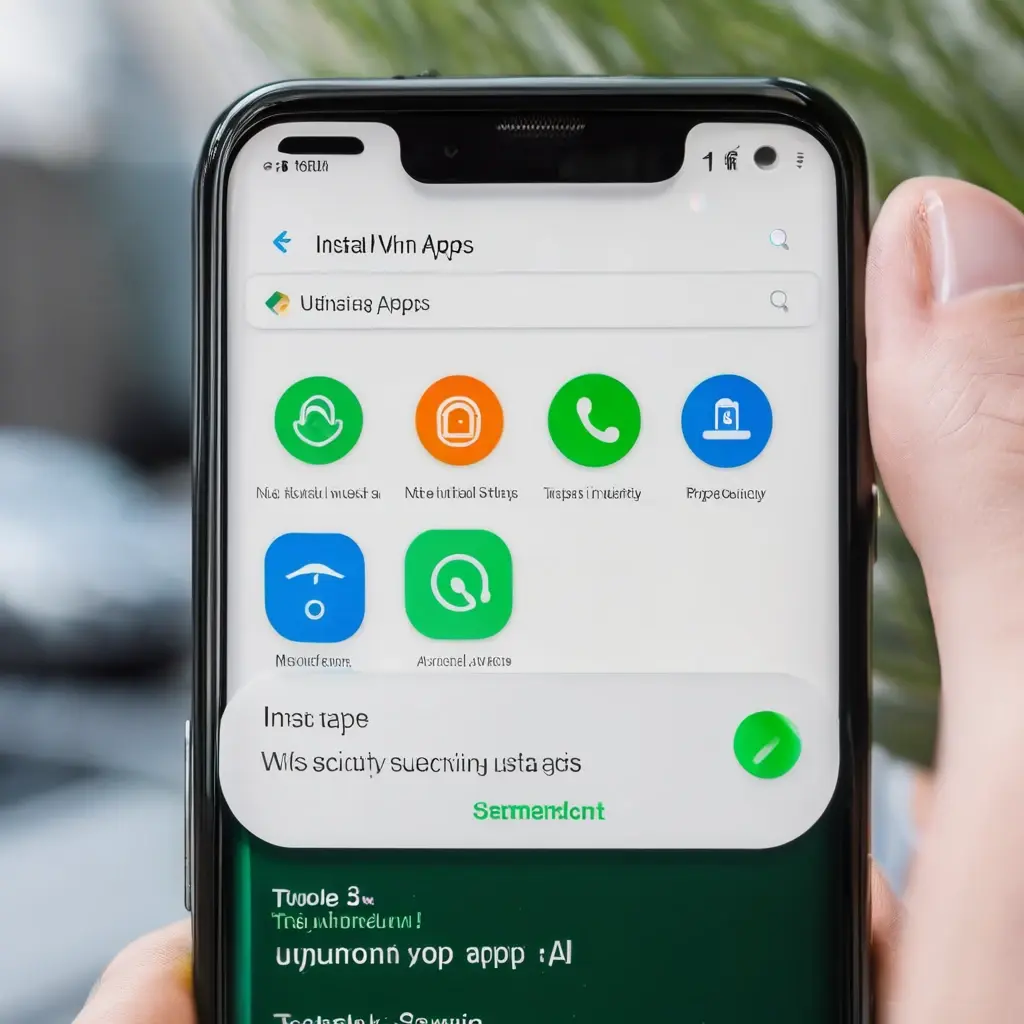
Step-by-Step Update Guide
- Uninstall: (Optional) If the old version is very buggy, uninstall it first.
- Download: Go to the official Boro Jeet website and tap "Download Android App".
- Security Warning: Android will say "File might be harmful". Tap Download Anyway.
- Install: Open the file.
- Permission: If asked, enable "Install from Unknown Sources" for Chrome.
- Done: Open the app and log in.
Conclusion
It takes 2 minutes. Always keep your app updated to get the latest security patches and fastest payment methods.
Concerned about security? Enable 2FA next. Read: Two-Factor Authentication Setup.